
Paint your digital diagrams. Free.
A visual editor for clocks, buses, and protocol frames. Paint the levels, mark the relationship, and export PNG or SVG. It runs in the browser. The diagram stays on your computer.
800+ monthly users
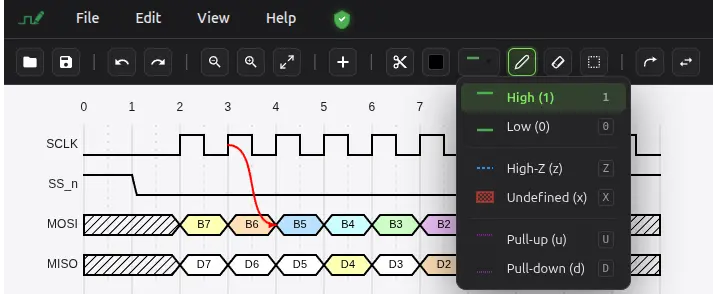

Bit signals
Clocks, resets, and chip-selects. High, low, and the edges between them.

Buses
Multi-bit lanes with a value in each slot, in hex or as a name.

States
Unknown, high-Z, and colored values on the same timeline.
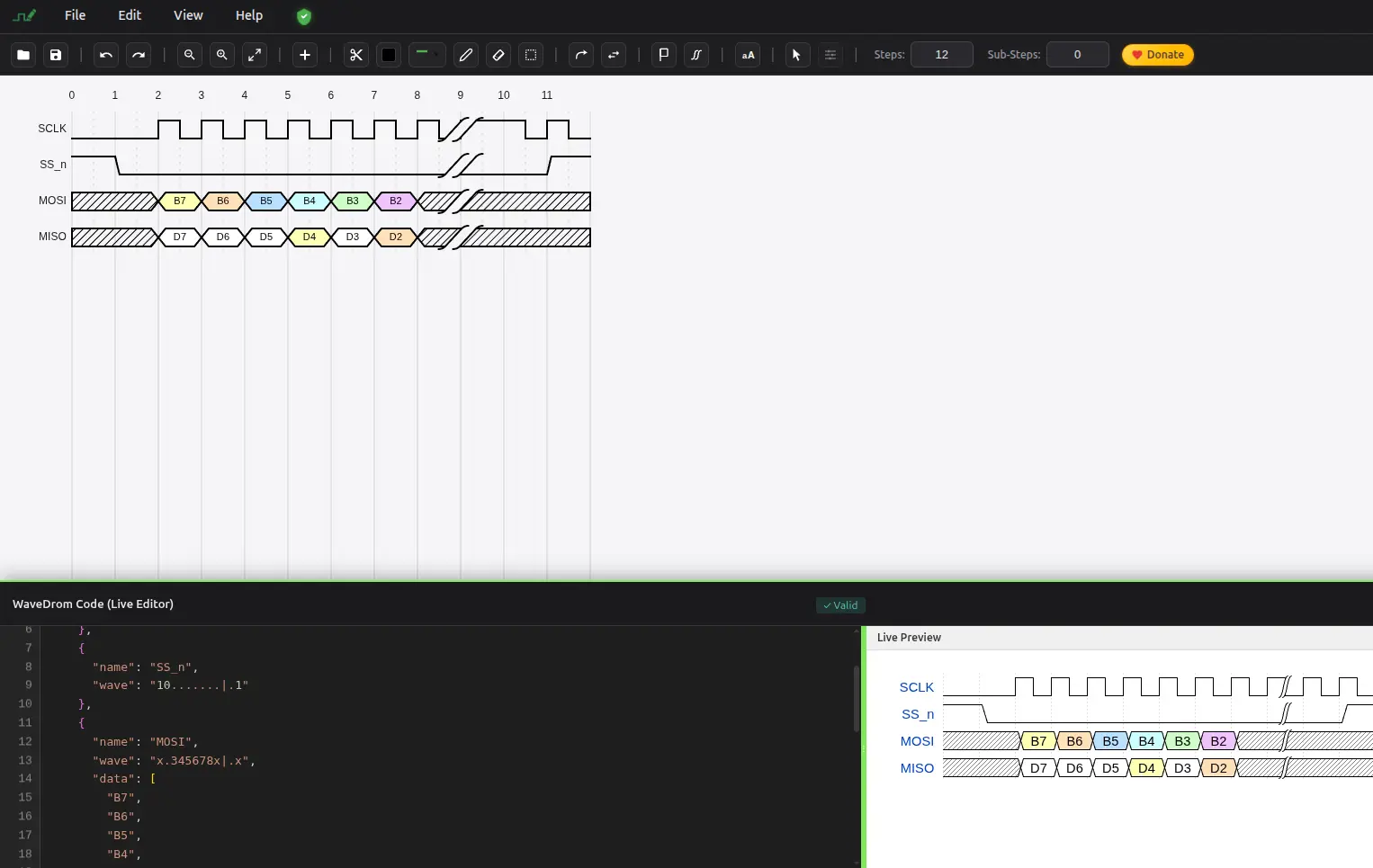
The same frame, drawn or described
Paint SCLK, chip-select, MOSI, and MISO on the canvas, or import a WaveDrom description and keep editing it visually. Export goes back to PNG, SVG, or WaveDrom JSON.
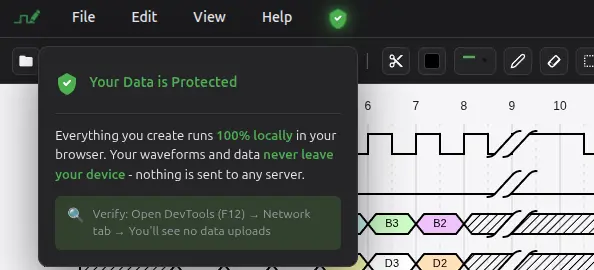
The file stays on your machine
The editor processes the diagram locally. A PNG or SVG is a download you start. Questions go to contact@wavepaint.net.